
Football Prediction Kick-off Times: GMT, BST and Fixture Dates
Check football prediction kick-off times, GMT and BST settings, and fixture dates with an original Combo Goals screenshot and a practical review checklist.
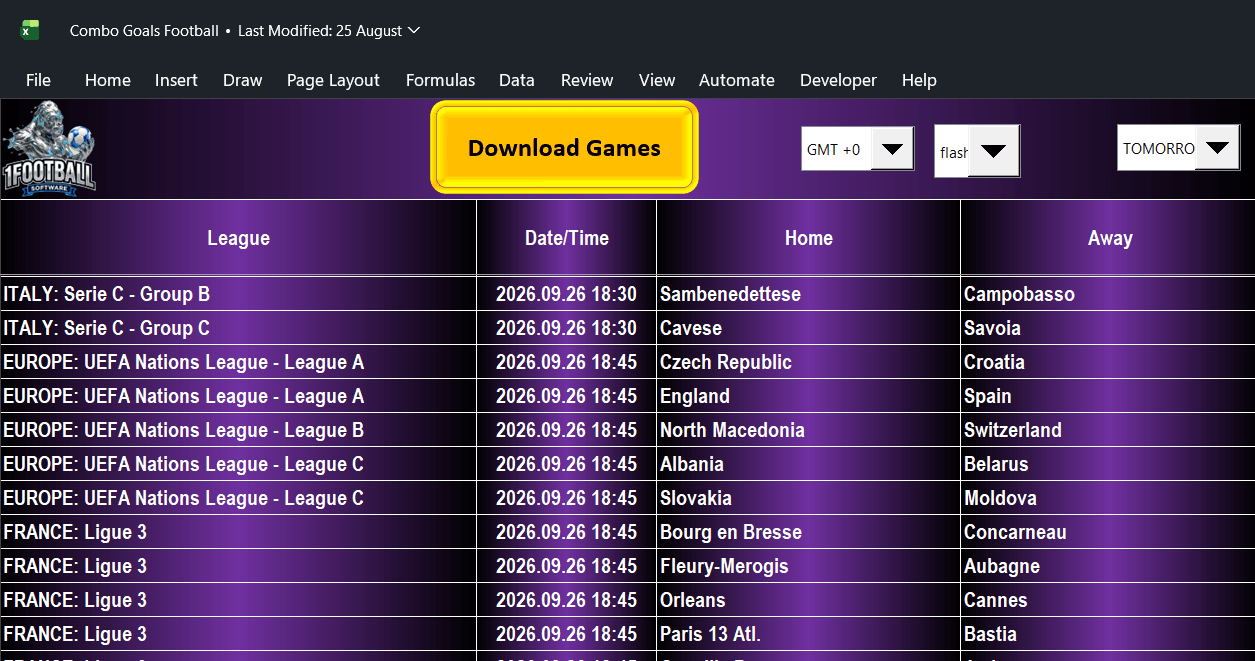
Original Combo Goals fixture screenshot dated 26 September 2026, unchanged. Archived interface example, not a current fixture feed.
Before comparing football predictions, make sure every screen refers to the same match at the same moment. A GMT setting, a summer-time clock and a “tomorrow” filter can make one fixture look different across two services.
Why this matters during the Nations League window
UEFA’s schedule, updated on 28 September 2026, lists Belgium–France and Türkiye–Italy among today’s fixtures. It also lists Czechia–England and Spain–Croatia for 29 September. That makes fixture dates and time settings a useful practical check during the international window. Check the official UEFA schedule for current details.
This guide explains the checking process; it does not provide a new forecast for those matches.
What the original Combo Goals screen shows
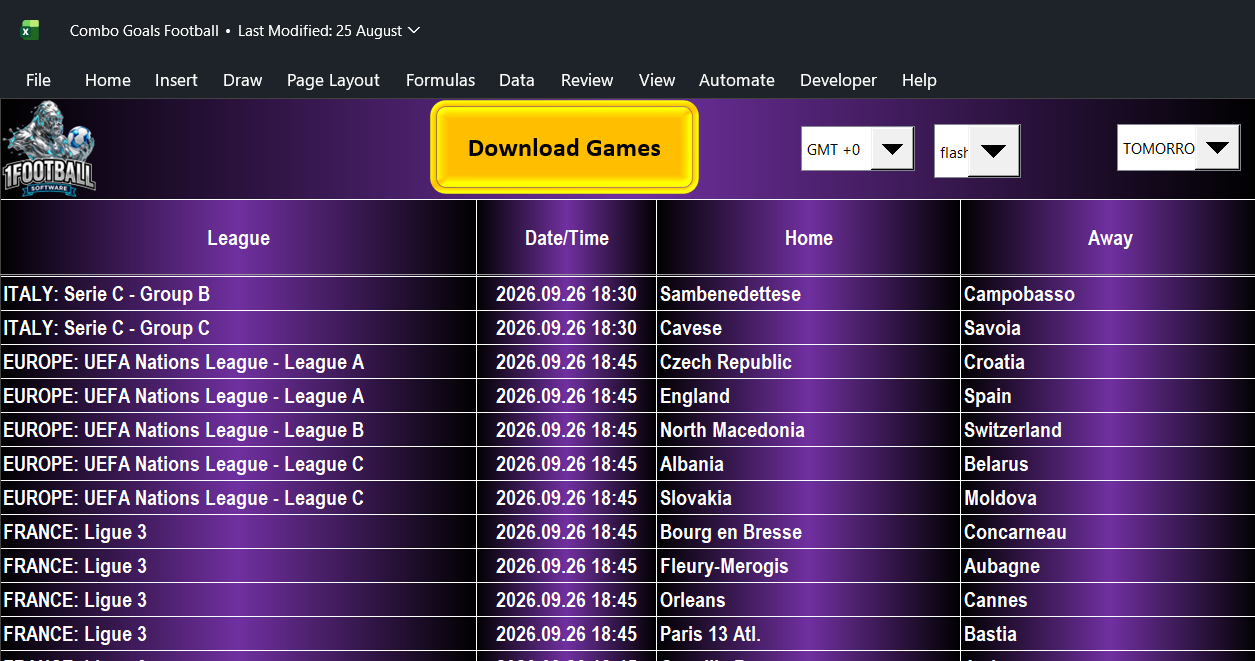
The image contains a GMT +0 selector, a date control displaying a shortened “TOMORRO” label, and a Date/Time column. These are three separate pieces of information. The selector alone does not prove that the imported data has refreshed or that every row uses the expected offset.
Start with the full date printed on a row, then match the competition and both teams against the organiser’s listing. For the wider loading workflow, see our Combo Goals software walkthrough.
GMT is not UK local time throughout the year
The UK uses British Summer Time during part of the year. According to GOV.UK’s clock-change guidance, the 2026 clocks went forward on 29 March and go back on 25 October. On 28 September, UK local time is therefore one hour ahead of GMT.
For an illustrative conversion, a timestamp genuinely expressed as 18:45 GMT on 28 September corresponds to 19:45 in London. This is time arithmetic, not confirmation of any screenshot row’s scheduled kick-off.
UEFA’s overview labels its times CET. When comparing an overview, a match page and software, check how each source handles daylight saving rather than applying a fixed offset from a label alone. A calendar entry with a named time zone and date is less ambiguous than a bare “20:45”.
A five-step check before reading the goals indicators
- Confirm the fixture identity. Match the competition, home team, away team and full calendar date. Similar team names or reverse fixtures are not interchangeable.
- Check the source time zone. Record the displayed setting and whether the source uses a fixed GMT offset or local daylight-saving time.
- Check the date filter. “Today” and “tomorrow” depend on the clock used by that service. Around midnight, two places can legitimately show different dates.
- Refresh and compare. Use the product’s documented refresh process, then compare one fixture against the organiser’s current information. If a discrepancy remains, resolve it before interpreting the row.
- Save the context. Keep the fixture date, time zone, capture time and original output together. A screenshot filename alone does not establish that a prediction was recorded before kick-off.
Pre-match times and live match minutes answer different questions
A scheduled kick-off tells you when a match is expected to start. A live minute describes the match’s reported progress. Neither one establishes how recently the data was received. If you move from a fixture list to an in-play screen, check the current score, period and freshness of the feed separately.
Our guide to reading in-play goal signals explains the live-screen example. A signal does not guarantee another goal, and a correctly converted time does not improve or validate a model’s accuracy.
Choose the tool for the workflow you need
Combo Goals Football Software is a paid Windows and Microsoft Excel product for reviewing goals indicators. Check its current requirements and demonstration before choosing it. The free football predictions page is a separate website model; its record does not establish the paid software’s performance.
Next step: Open the Combo Goals product page, inspect its screenshots and compare your preferred fixture workflow with the available controls.
18+. Predictions are uncertain and do not guarantee results or profit. You do not need to place a bet to use this guide. If you gamble, set limits and never chase losses. Support information: BeGambleAware.